CSV Editor
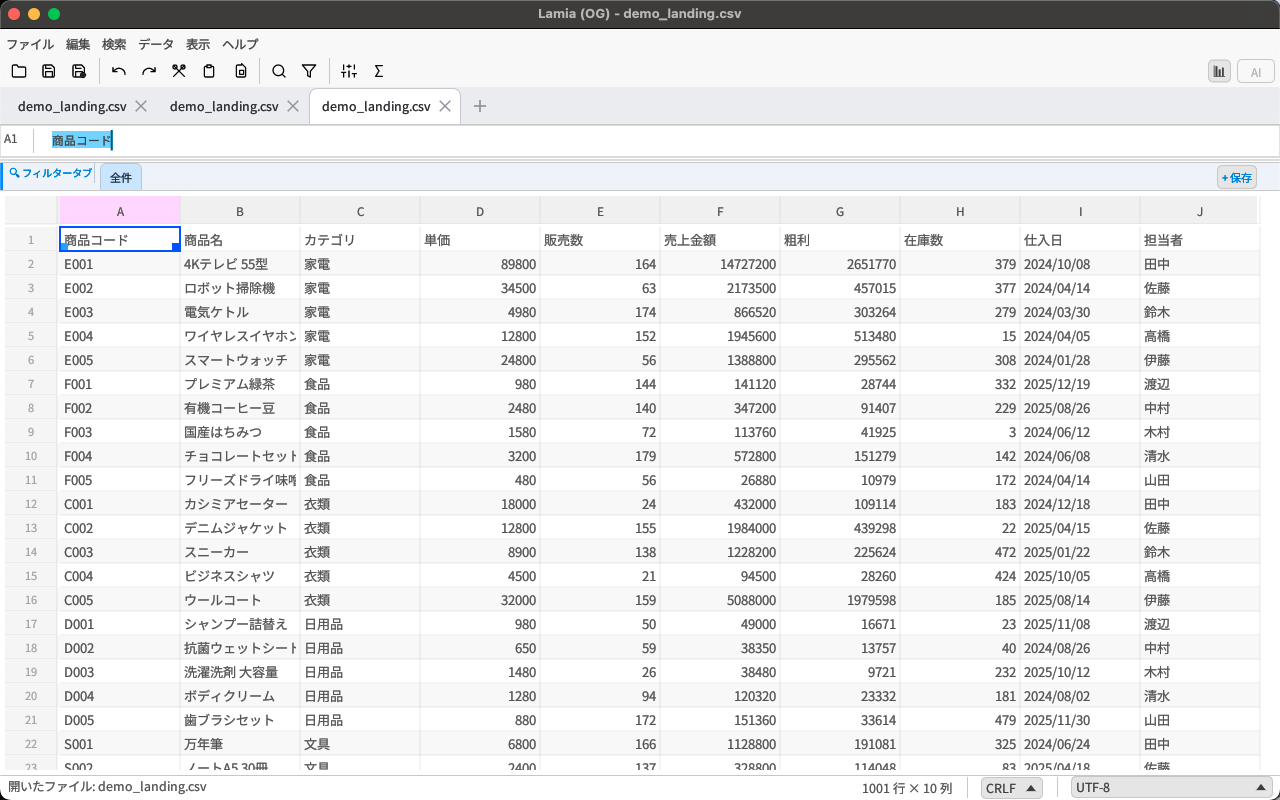
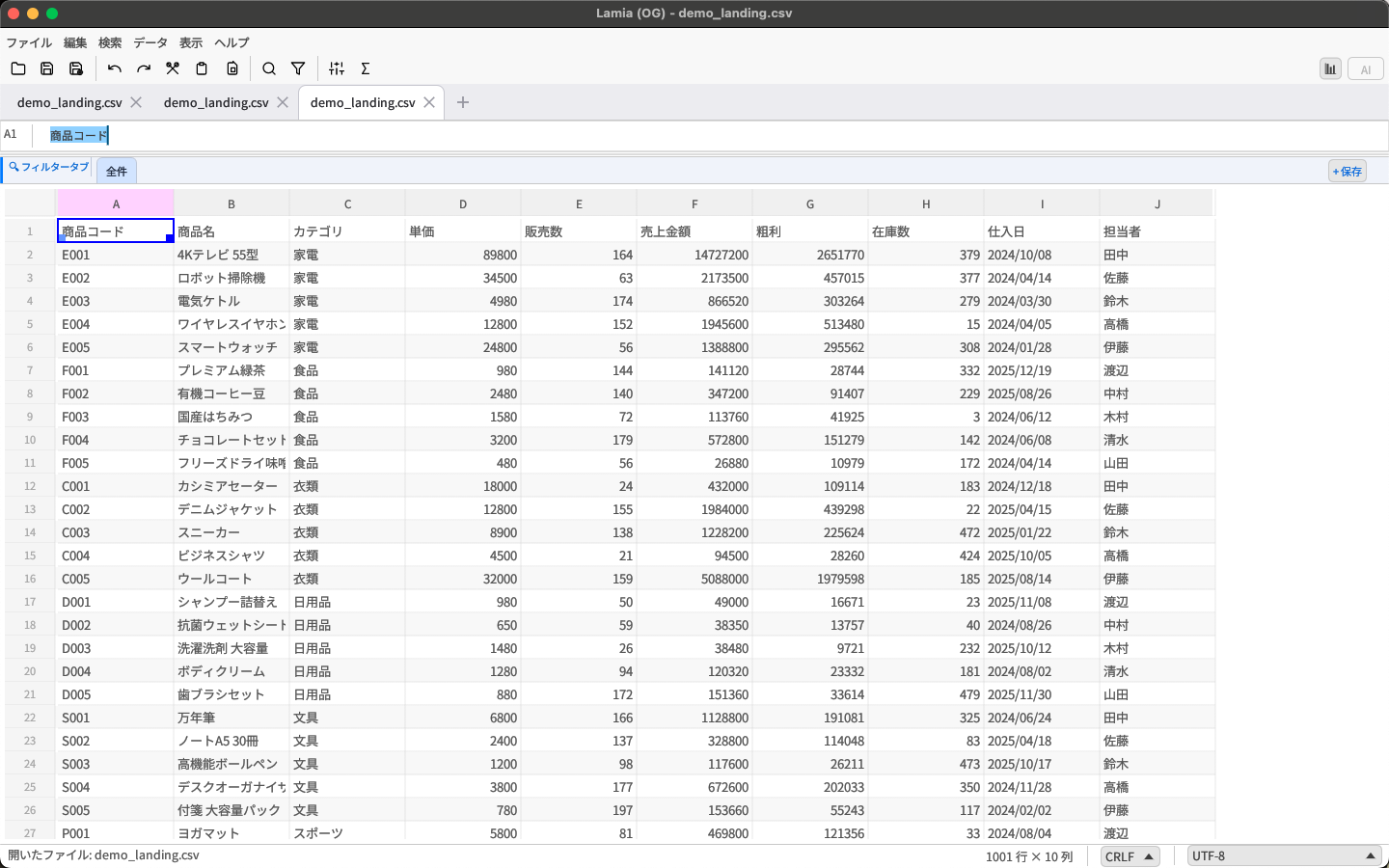
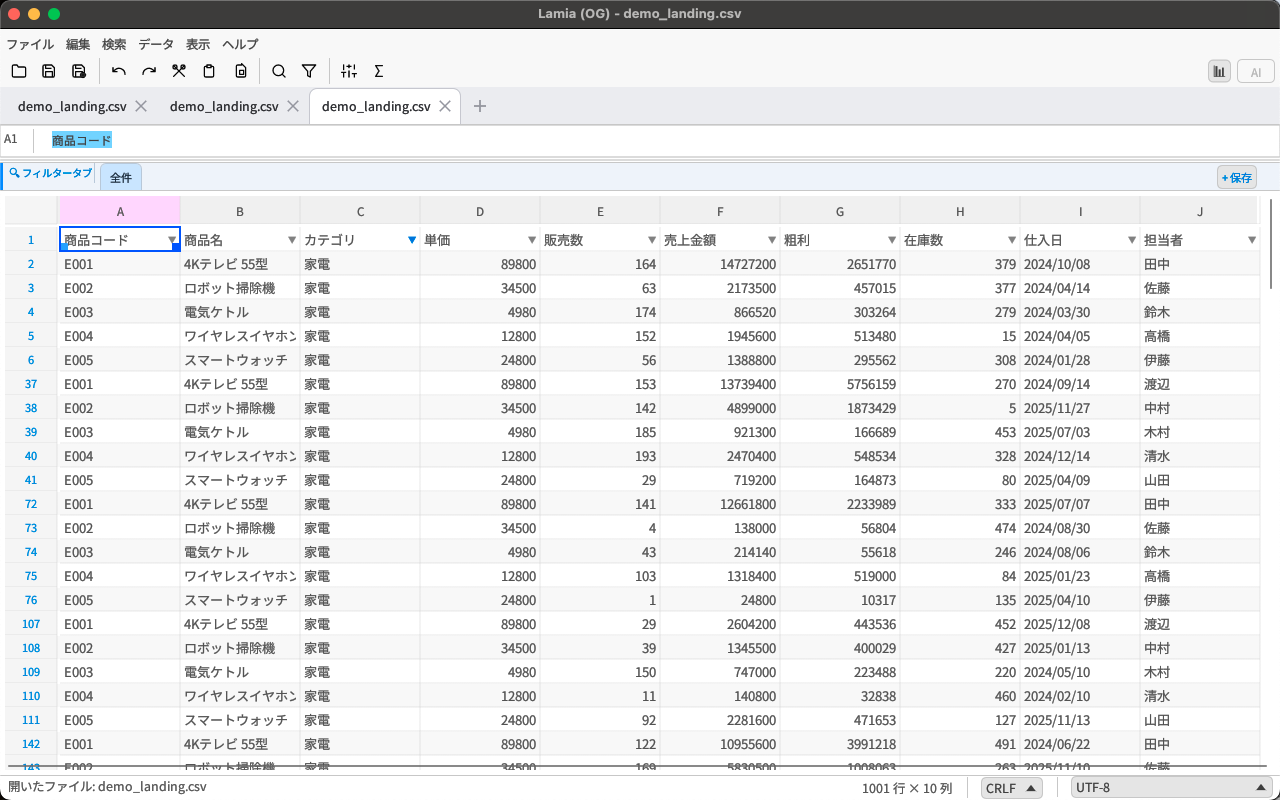
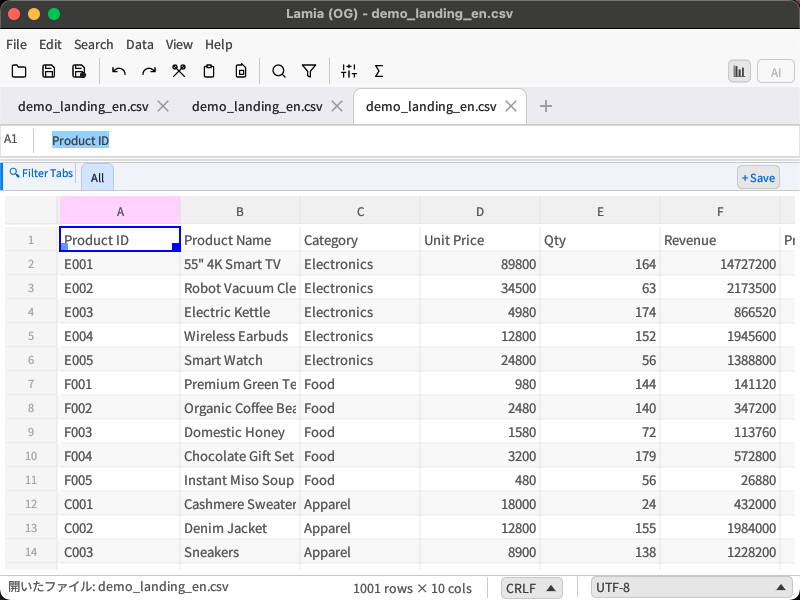
1,000万行を超えるCSVファイルを、遅延ゼロで編集できる高性能CSVエディタ。
EC運営やデータ解析にこれ一本。
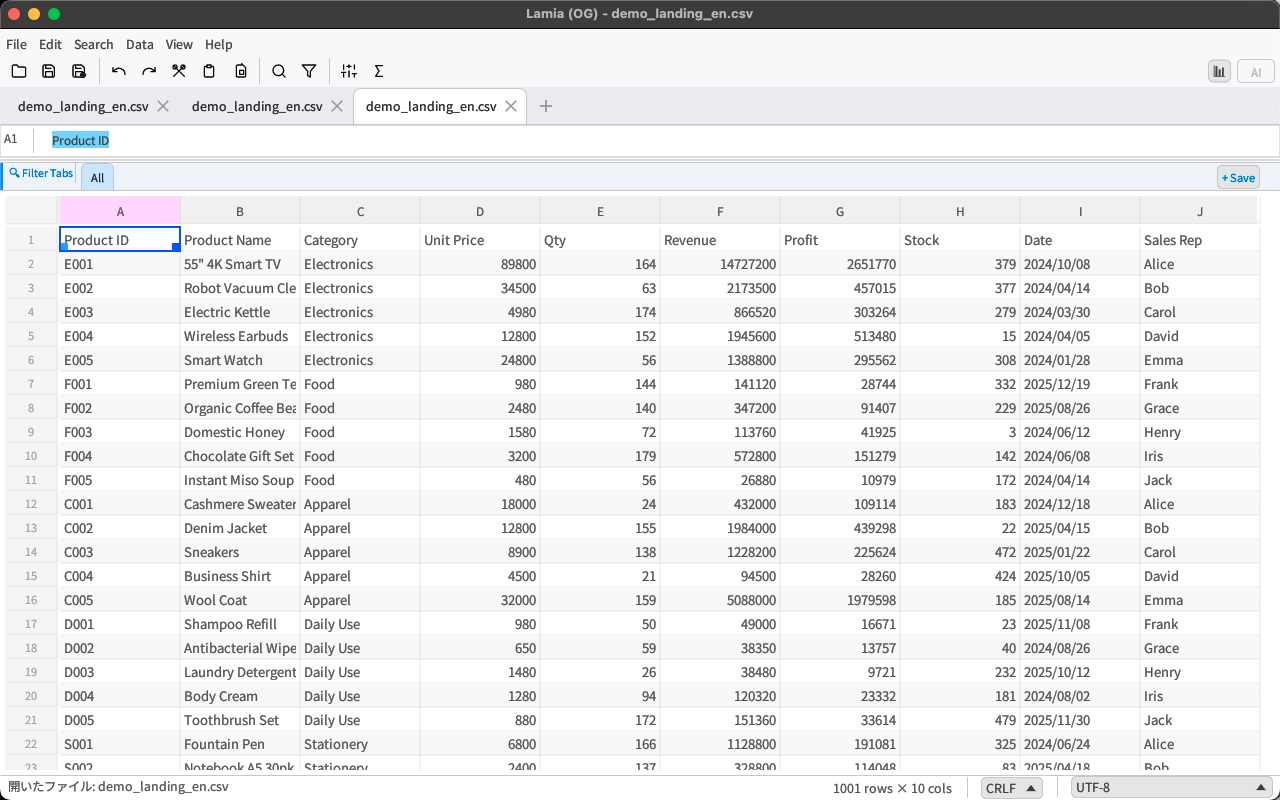
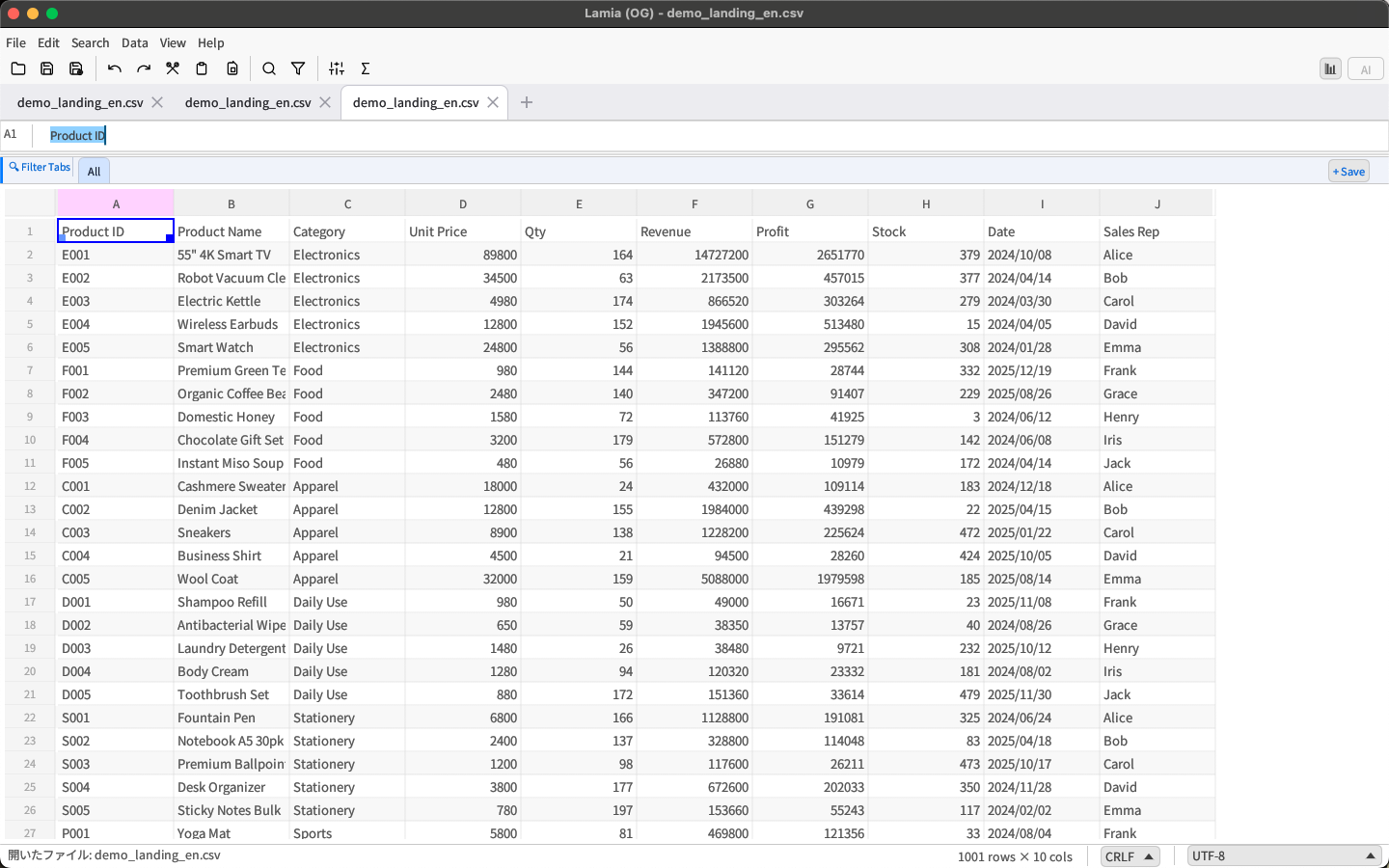
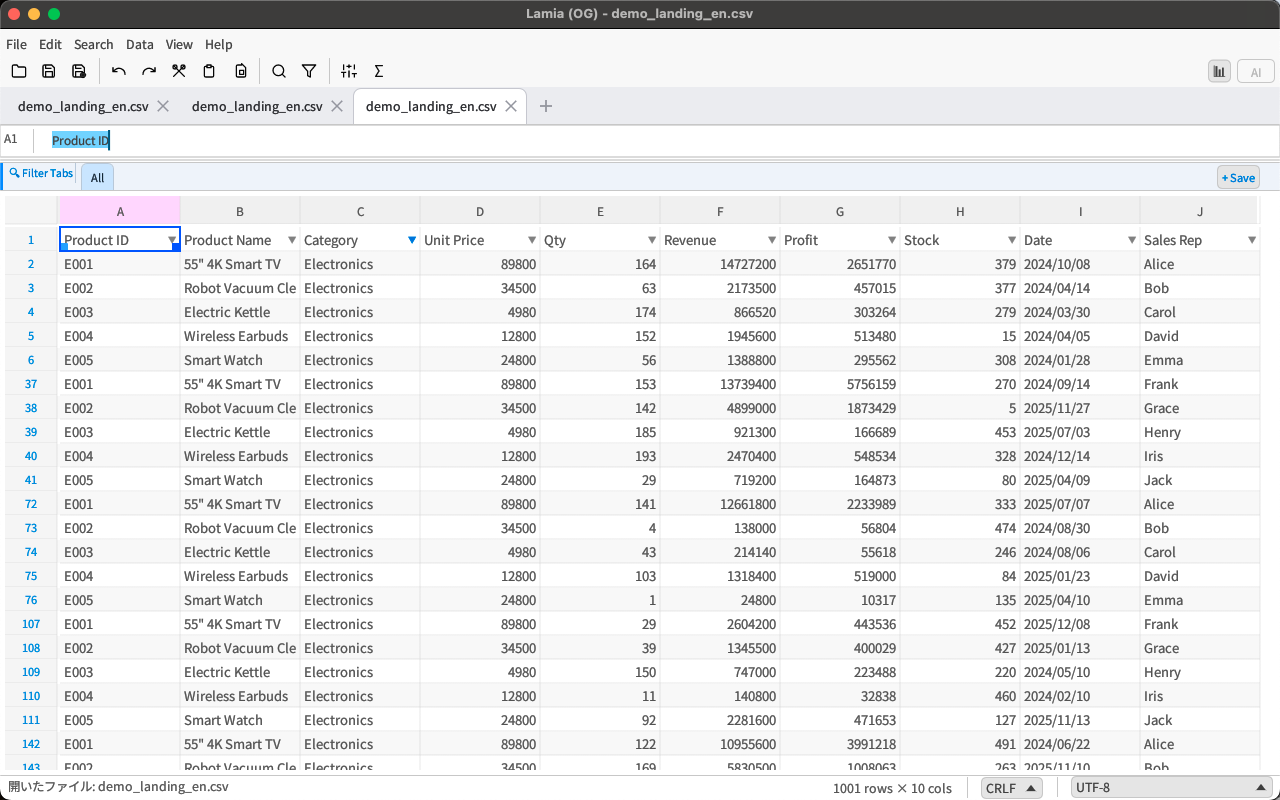
Handle 10M+ row CSV files with zero lag.
One app for e-commerce ops and data analysis.
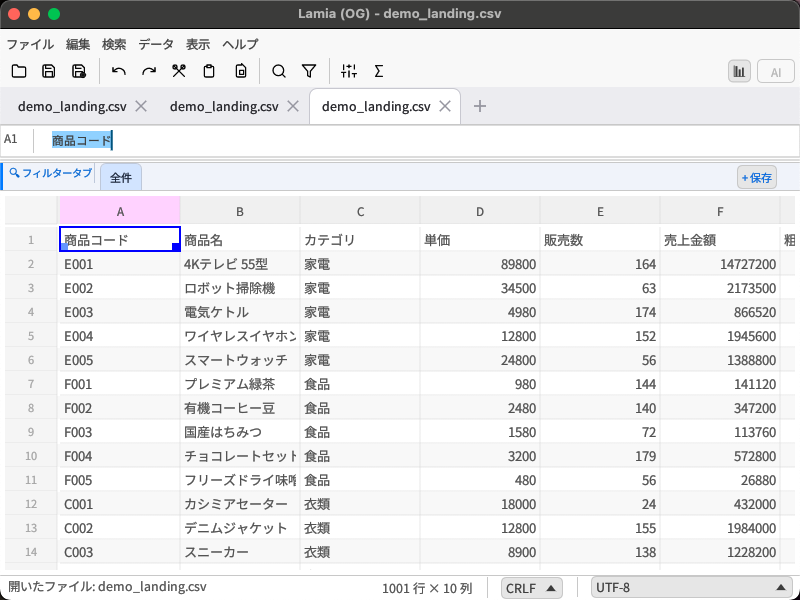
仮想スクロールで表示領域のみ描画。1,000万行でもUIはブロックされない。
Virtual scroll renders only visible rows. 10M rows, zero UI lag.
インストール直後からAPIキー不要の内蔵AIが使える。ChatGPT・Claude・Geminiにも対応。
Built-in local AI works offline, no API key needed. ChatGPT, Claude & Gemini also supported.
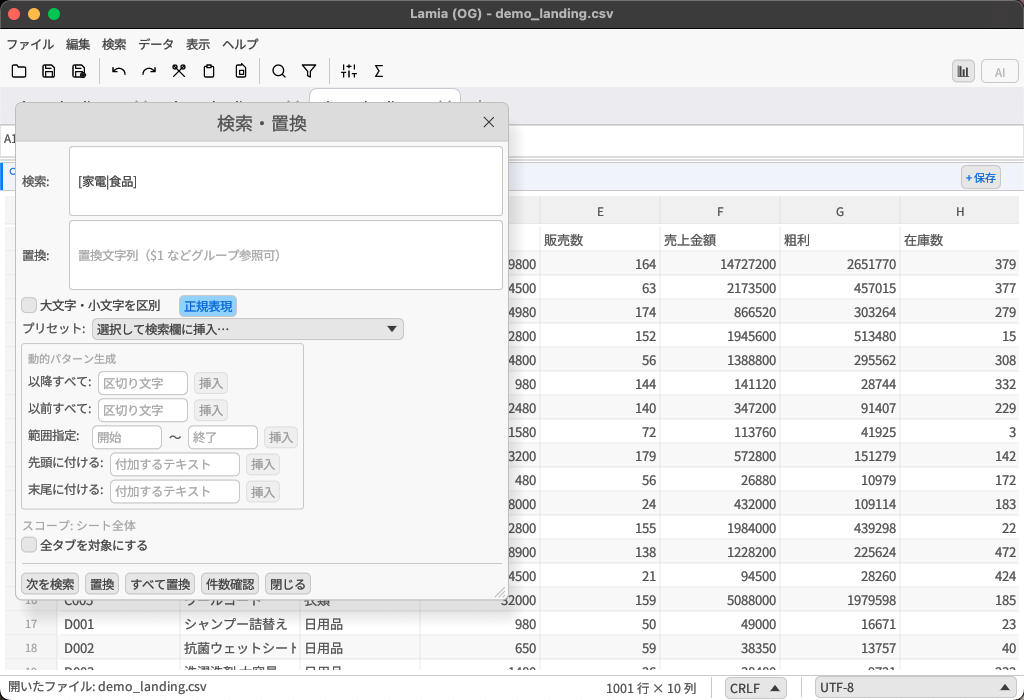
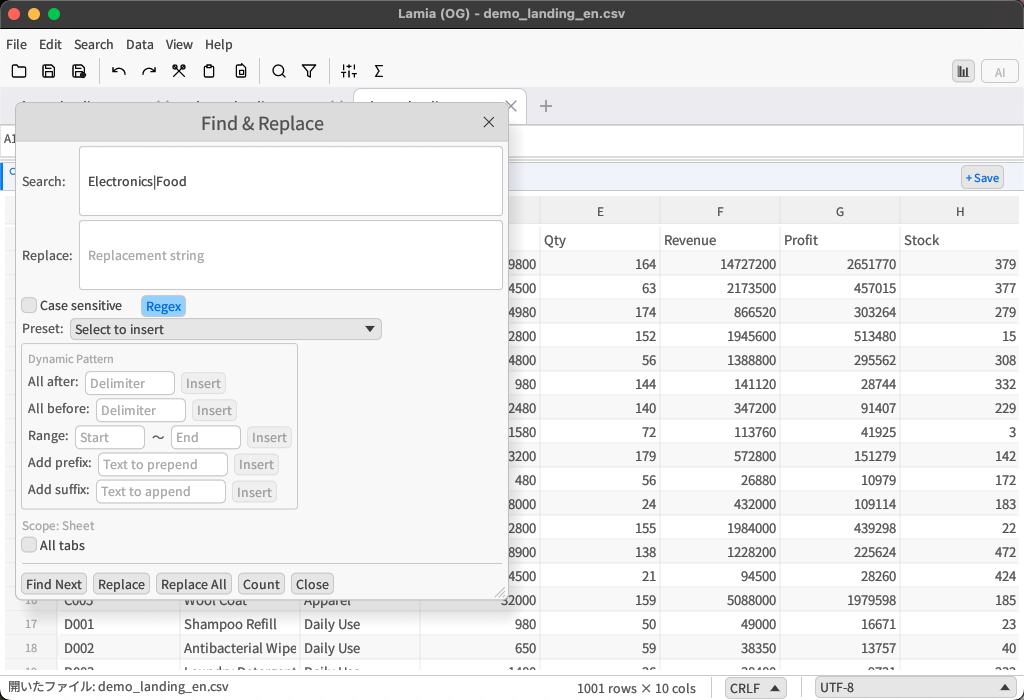
Shift-JIS・UTF-8 BOMを自動判定。文字化けの心配なし。
Auto-detects Shift-JIS & UTF-8 BOM. No garbled characters.
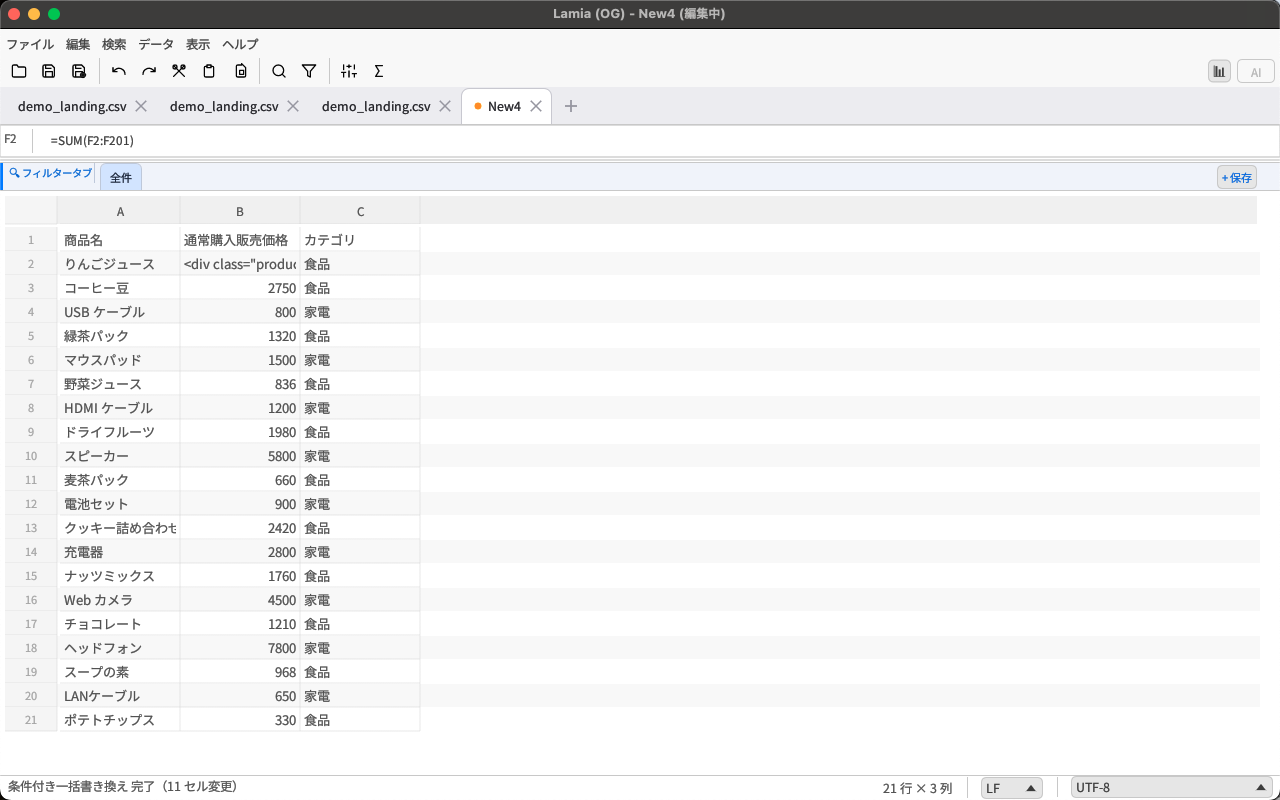
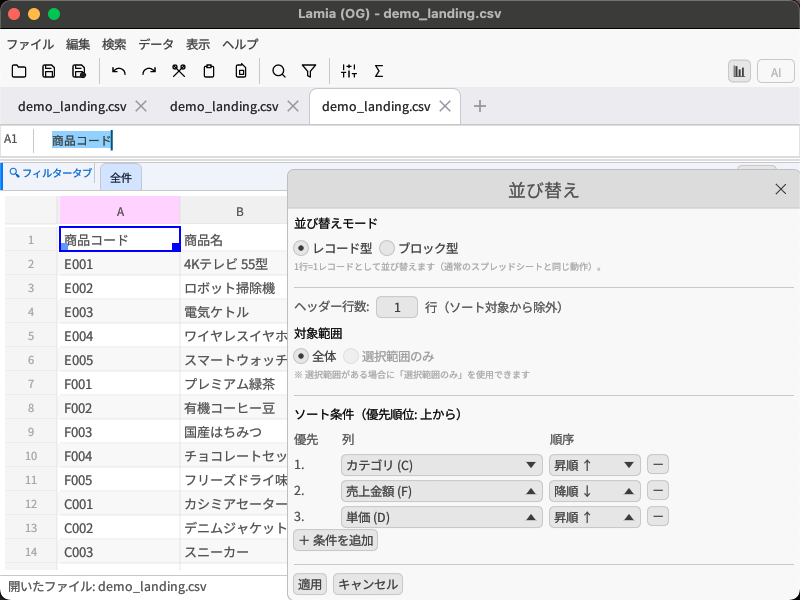
SUM・VLOOKUP・MATCHなど60以上の関数に対応。クロスタブ参照も可能。
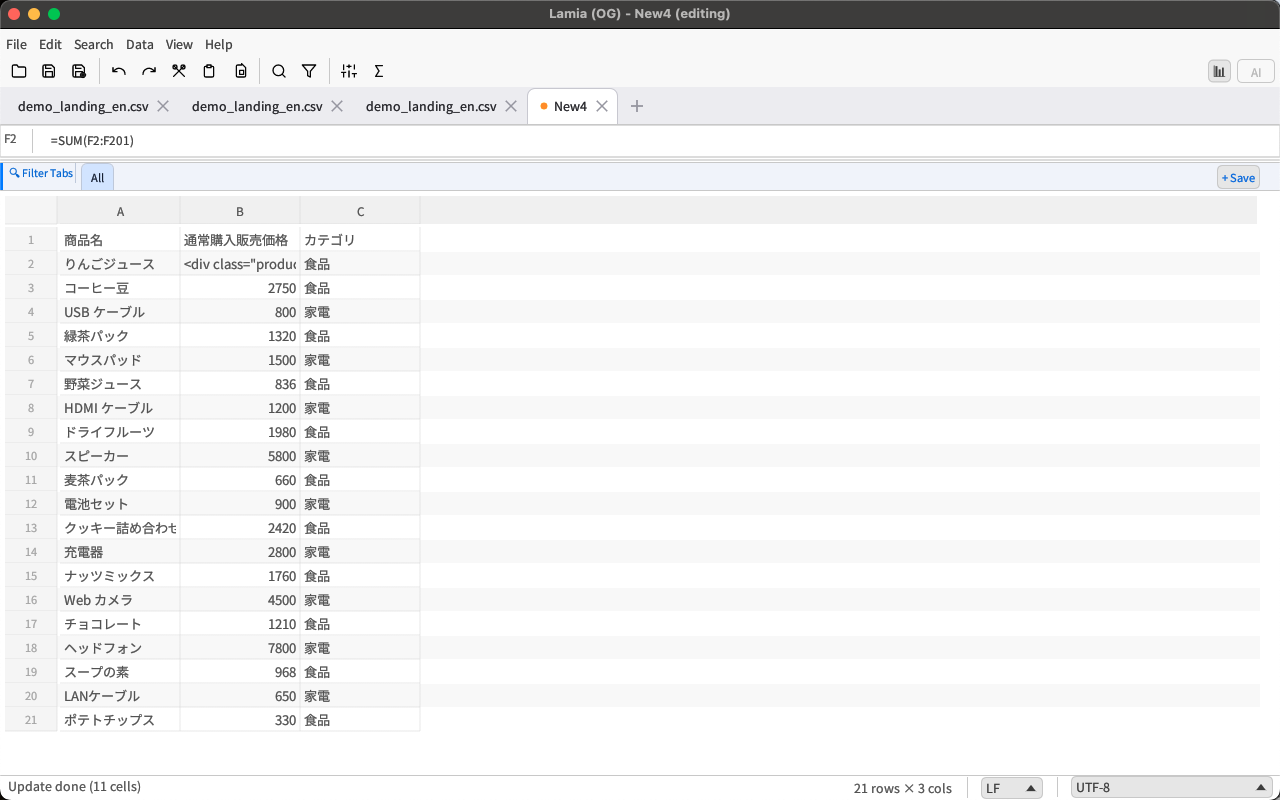
60+ functions including SUM, VLOOKUP, MATCH. Cross-tab references supported.
Performance
Editing
= キーで入力開始= to enter a formula
AI
Analysis
Japanese
= キー)時にIMEを自動でASCIIモードへ切り替え= key)
Clipboard
| 操作Action | ショートカットShortcut | 内容Description |
|---|---|---|
| 通常貼り付けStandard paste | Ctrl+V | セル値・数式をそのまま貼り付けPastes values and formulas as-is |
| 値のみ貼り付けValues only | Ctrl+Shift+V | 数式を展開した値だけ貼り付けPastes evaluated values without formulas |
| 空白セルへ貼り付けEmpty cells only | Ctrl+Alt+V | 空白セルのみ上書き、既存データを保護Overwrites only empty cells, preserving existing data |
More Features
=SUM(A1:A10) など Excel互換の60以上の関数=SUM(A1:A10) and 60+ Excel-compatible functions='Sheet2.csv'!A1 でタブをまたいだ参照が可能='Sheet2.csv'!A1 for cross-tab references
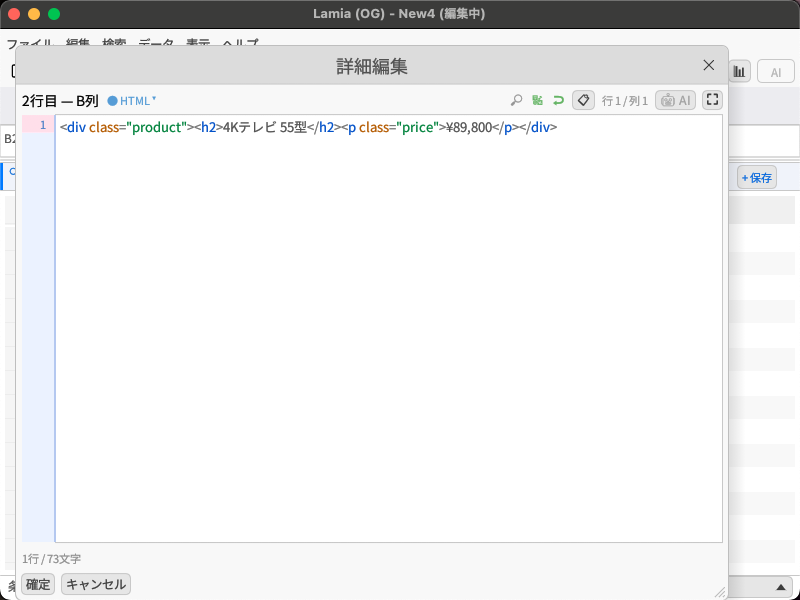
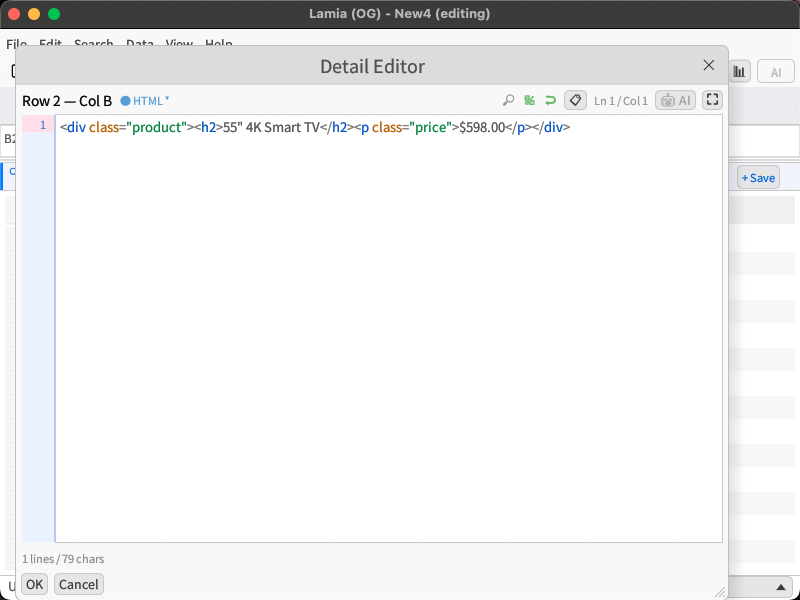
div.foo>ul>li*3 を一発展開div.foo>ul>li*3 with one keystrokeCompare
※ 競合ツールは名称を伏せて表記しています。E=Windows超大容量特化、M=クロスプラットフォーム有料直販、T=OSSクロスプラットフォーム、EC=Macネイティブストア専売 Competitor tools are shown anonymously. E=Windows large-data, M=cross-platform paid, T=OSS cross-platform, EC=Mac-native store
| 機能Feature | Lamia | E | M | T | EC |
|---|---|---|---|---|---|
| Mac 対応Mac support | ✅ | ✗ | ✅ | ✅ | ✅ |
| Windows 対応Windows support | ✅ | ✅ | ✅ | ✅ | ✗ |
| App Store / MS Store 配信App / MS Store | ✅ 両方✅ Both | MSのみMS only | ✗ | ✗ | MacのみMac only |
| 1,000万行の編集10M-row editing | ✅ | ✅ 有料のみ✅ paid only | △ 読込のみread-only | ✅ 15M行15M rows | △ 非公表undisclosed |
| AI チャット統合AI chat | ✅ Pro | ✗ | ✗ | ✗ | ✗ |
| 列統計パネルColumn stats panel | ✅ Pro | ✅ 有料✅ paid | ✅ 有料✅ paid | ✗ | ✅ |
| SQL クエリSQL query | ✅ | ✅ 有料✅ paid | ✗ | ✗ | ✗ |
| Shift-JIS 自動判定Shift-JIS auto-detect | ✅ | ✅ | ✅ | △ | ✗ |
| 重複削除Deduplication | ✅ | ✅ | ✅ | ✗ | ✅ |
| 週複数回の更新Frequent updates | ✅ | ✗ | ✗ | ✗ | ✗ |
| 無料版ありFree tier | ✅ | ✅ 制限付limited | ✅ 制限付limited | ✅ 全機能all | ✗ |
Mac App Store + Microsoft Store の両方で配信
+
10M行を「編集」できる(読み込み専用ではない)
+
AI チャット(ChatGPT / Claude / Gemini)をアプリ内で利用可能
Available on both Mac App Store + Microsoft Store
+
Edit 10M+ rows (not read-only)
+
Built-in AI chat (ChatGPT / Claude / Gemini)
Pricing
基本機能はすべて無料。大規模業務にはPROへ。 All core features are free. Go PRO for large-scale work.
Lite
無料 Free
Windows でダウンロード Download on Windows Mac App Store でダウンロード Download on Mac App Storeおすすめ Recommended
PRO
アプリ内購入 In-App Purchase
Windows版でアップグレード Upgrade on Windows Mac版でアップグレード Upgrade on MacLiteからPROはアプリ内購入でいつでもアップグレード可能。 Upgrade from Lite to PRO anytime via in-app purchase.
Spec
| 対応OSSupported OS |
Windows 10 / 11 (x64) macOS Ubuntu — 近日公開 Ubuntu — Coming Soon |
|---|---|
| 言語Built With | Rust + egui(ネイティブレンダリング) |
| 対応エンコーディングEncodings | UTF-8, UTF-8 BOM, Shift-JIS (CP932) |
| 最大行数Max Rows | 1,000万行以上(仮想スクロール) 10M+ rows (virtual scroll) |
| Undo段階Undo Levels | 5段階(Lite)/ 1,000段階(PRO) 5 levels (Lite) / 1,000 levels (PRO) |
| 対応関数Functions | 60以上(Excel互換)+ 正規表現独自関数 60+ (Excel-compatible) + custom regex functions |
| AIプロバイダーAI Providers | ChatGPT (gpt-4o) / Claude (claude-opus-4-5) / Gemini (gemini-2.0-flash) |
| 自動バックアップAuto Backup | 12ファイル × 最大6バージョン(gzip圧縮) 12 files × up to 6 versions (gzip compressed) |
| 価格Pricing | 無料 + アプリ内PRO購入 Free + in-app PRO upgrade |
FAQ
CSV編集に特化したアプリです。Excelの代替というよりも、CSVファイルを高速・正確に扱うための専門ツールです。数式・ソート・フィルター・AI分析を備えており、CSV業務に必要な操作はほぼすべてカバーしています。
Lamia is a CSV-first tool, not an Excel replacement. It handles CSV files fast and accurately — with formulas, sort, filter, and AI analysis — covering virtually everything you need for CSV work.
はい。自動エンコーディング判定でShift-JISを正しく識別します。読み込み時も保存時も文字化けしません。
Yes. Auto encoding detection correctly identifies Shift-JIS. No garbled characters on read or save.
仮想スクロール技術により、表示に必要な行だけをレンダリングするため、大規模ファイルでも動作が重くなりません。実際に10M行以上のファイルでの動作を想定した設計です。
Virtual scroll technology renders only the visible rows, so large files stay fast. The app is designed specifically for 10M+ row files.
いいえ。Lamia には内蔵AIが標準搭載されているため、インストール直後からAPIキーなしでAIチャットを使えます。ChatGPT・Claude・GeminiのAPIキーを登録すると、より高度な分析タスクも任せられます。
No — Lamia includes a built-in local AI, so you can chat with AI right away without any API key. Registering a ChatGPT, Claude, or Gemini API key unlocks more advanced analysis.
自動バックアップ機能があります。「ファイル」→「自動バックアップ…」から過去のバージョンを参照して復元できます。無料版でも利用可能です。
Auto Backup has you covered. Go to File → Auto Backup… to browse and restore previous versions. Available in the free Lite version.
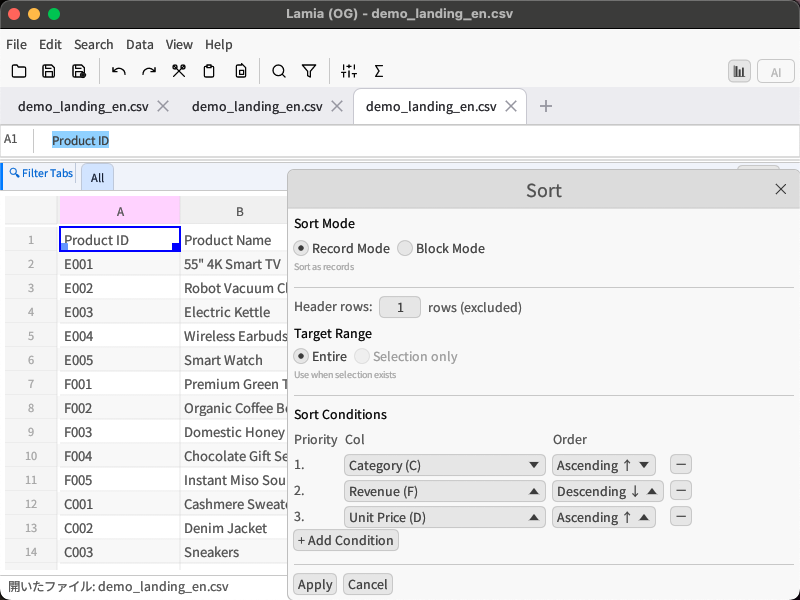
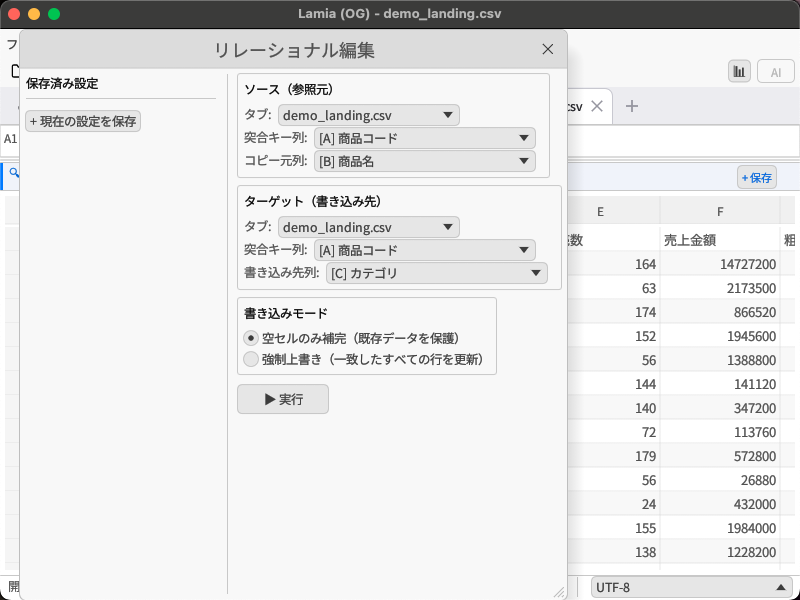
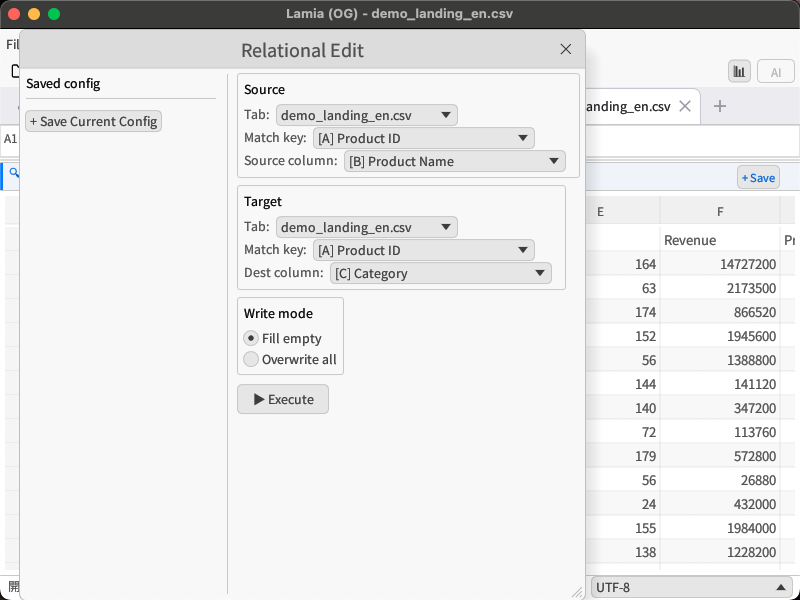
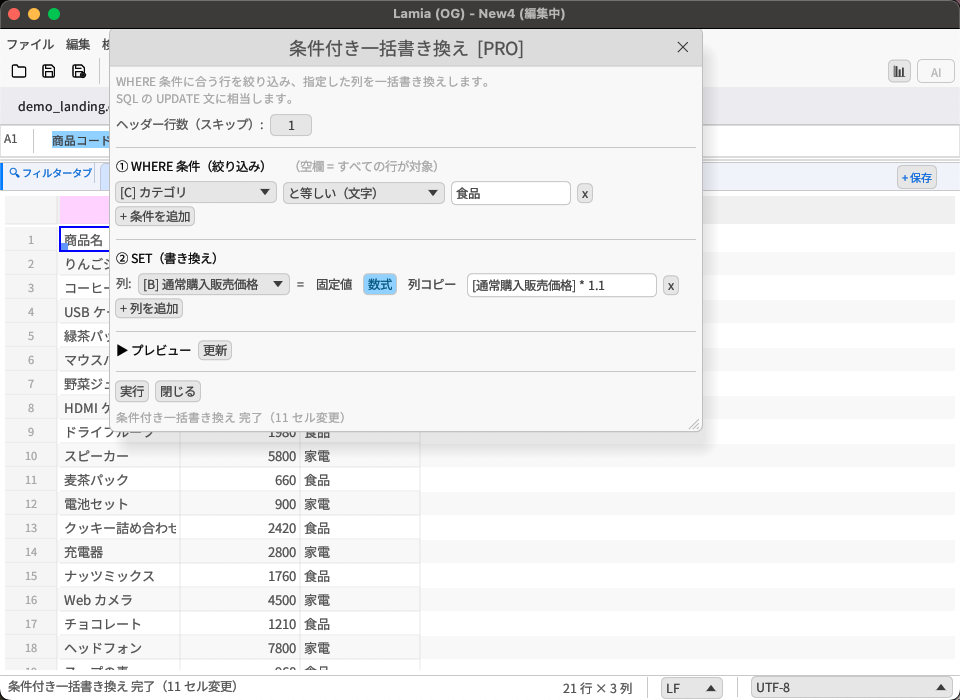
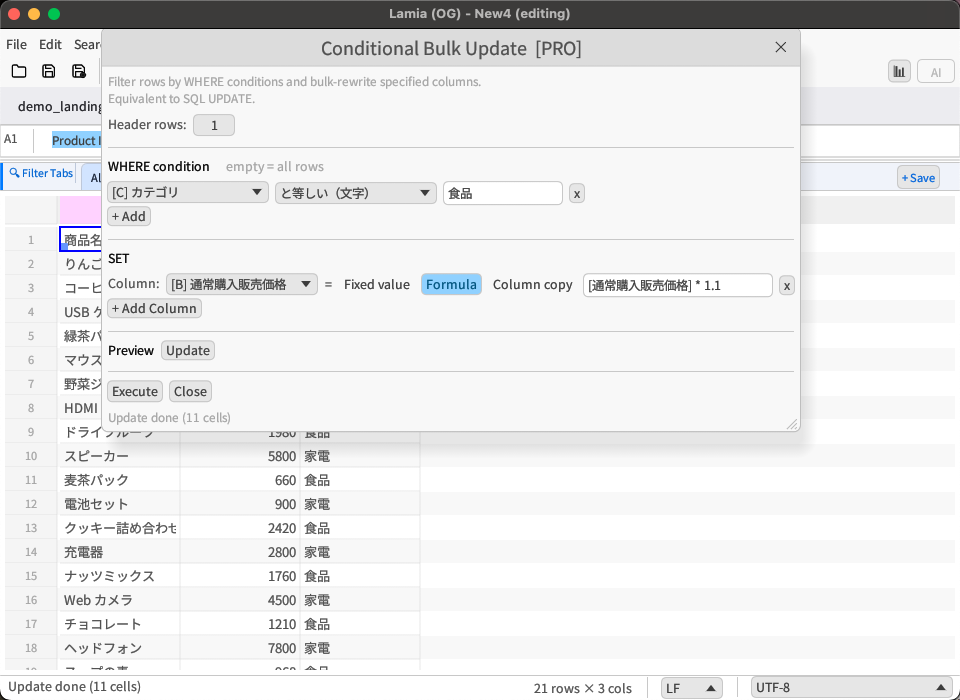
主な違いは「Undoの段階数(5 vs 1,000)」と「ブロック型ソート・重複削除・条件付き一括書き換えの実行(Pro限定)」です。ファイル保存の行数制限はなく、基本的な編集・AI・数式・バックアップ機能はLiteでも利用できます。
The main difference is undo levels (5 vs 1,000) and PRO-only features: block-type sort, deduplication, and conditional bulk update execution. There is no row limit on file saves, and basic editing, AI, formulas, and backup are all available in Lite.